StreamShield AI

Windows 10/11 · OBS Studio 28–31+ · Local DirectML

Blur sudden leaks before they hit live.

Scans your OBS game capture locally in GPU VRAM in 11.2ms. Auto-blurs unsafe popups, troll clips, and leaks while your webcam and chat stay crisp.

YouTube Live
LIVE1,428 watching
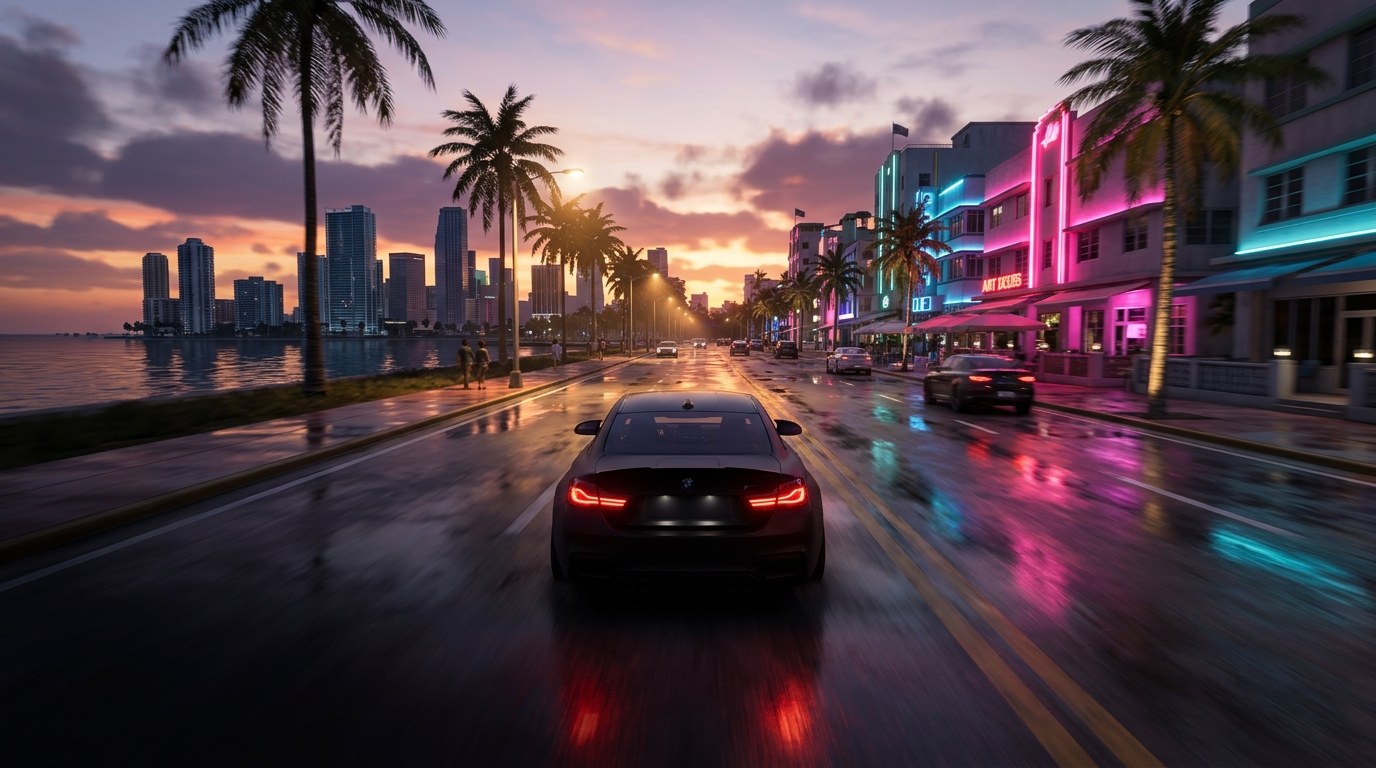
AAA open-world coastal sunset gameplay broadcast with an unscreened Discord media popup exposed
FREEROAM • OCEAN CAUSEWAY
120 FPS • 14ms
DISCORD DM / MEDIA LINKNSFW
EXPLICIT FRAME / PHOTO EXPOSEDInstant TOS Ban & VOD Risk
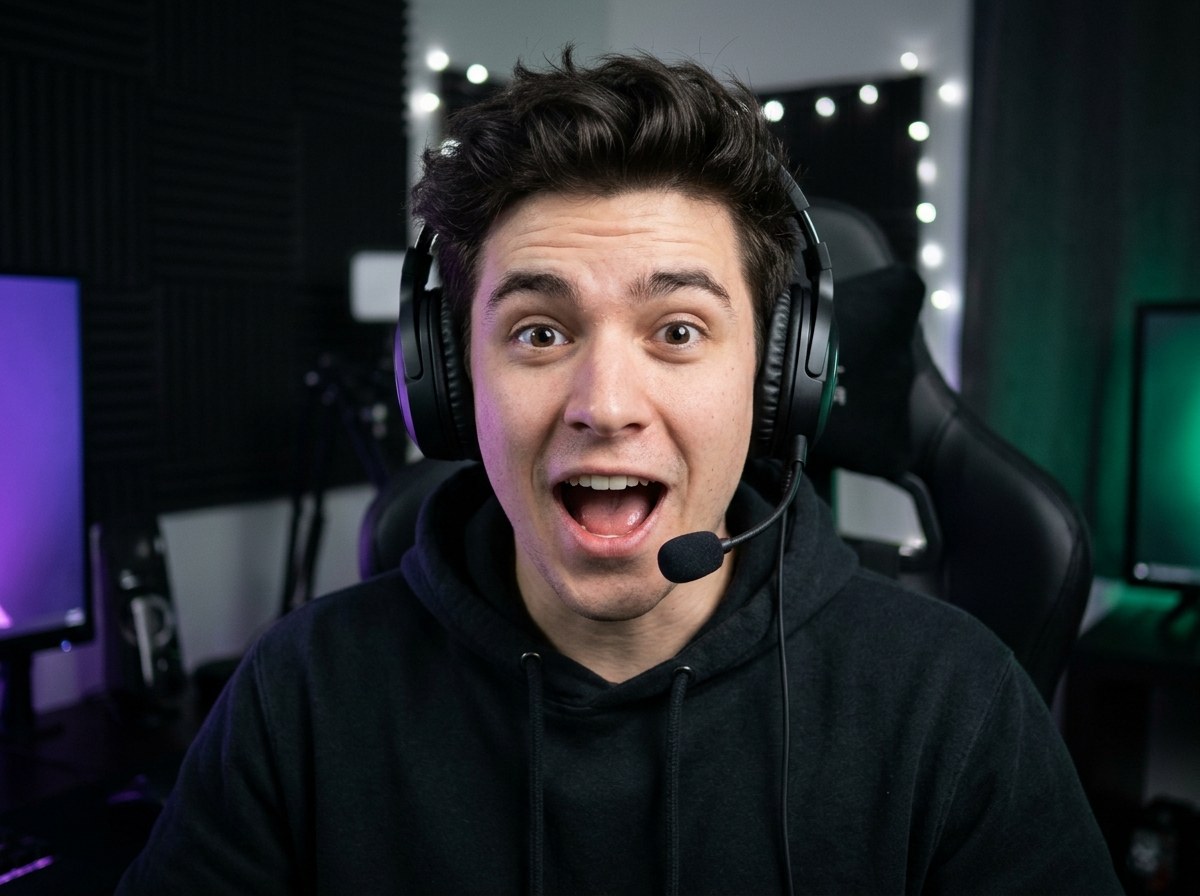
Streamer facecam overlay staying clear and sharp above blurred gameplay
CAM LIVE
WITHOUT SHIELD (EXPOSED)
FREEROAM • OCEAN CAUSEWAY
120 FPS • 14ms
DISCORD DM / MEDIA LINKNSFW
EXPLICIT FRAME / PHOTO EXPOSEDInstant TOS Ban & VOD Risk
Gameplay Blurred in 11.2ms

Webcam & Live Chat Stay Clear

CAM LIVE
WITH STREAMSHIELD AI
Live • 1080p60
A
Late Night Ocean Causeway Drive + Media Share [OBS Protected]
AlexStreaming · 184K subscribers
2.4KShare
Live chat0s Delay
K
kaia_playsWAIT what just popped up??
A
alex_modMODnothing got through lol good catch
R
rex_fpsonly the game blurred and cam stayed clean wtf
M
milo_ggw save that would have cooked the vod
D
devin99zero stream delay too chat still real time
Chat stays crisp & active during blurLIVE

Drag the center handle to compare — only gameplay blurs while webcam & live chat stay sharp.

StreamShield.exev1.0.0 x64
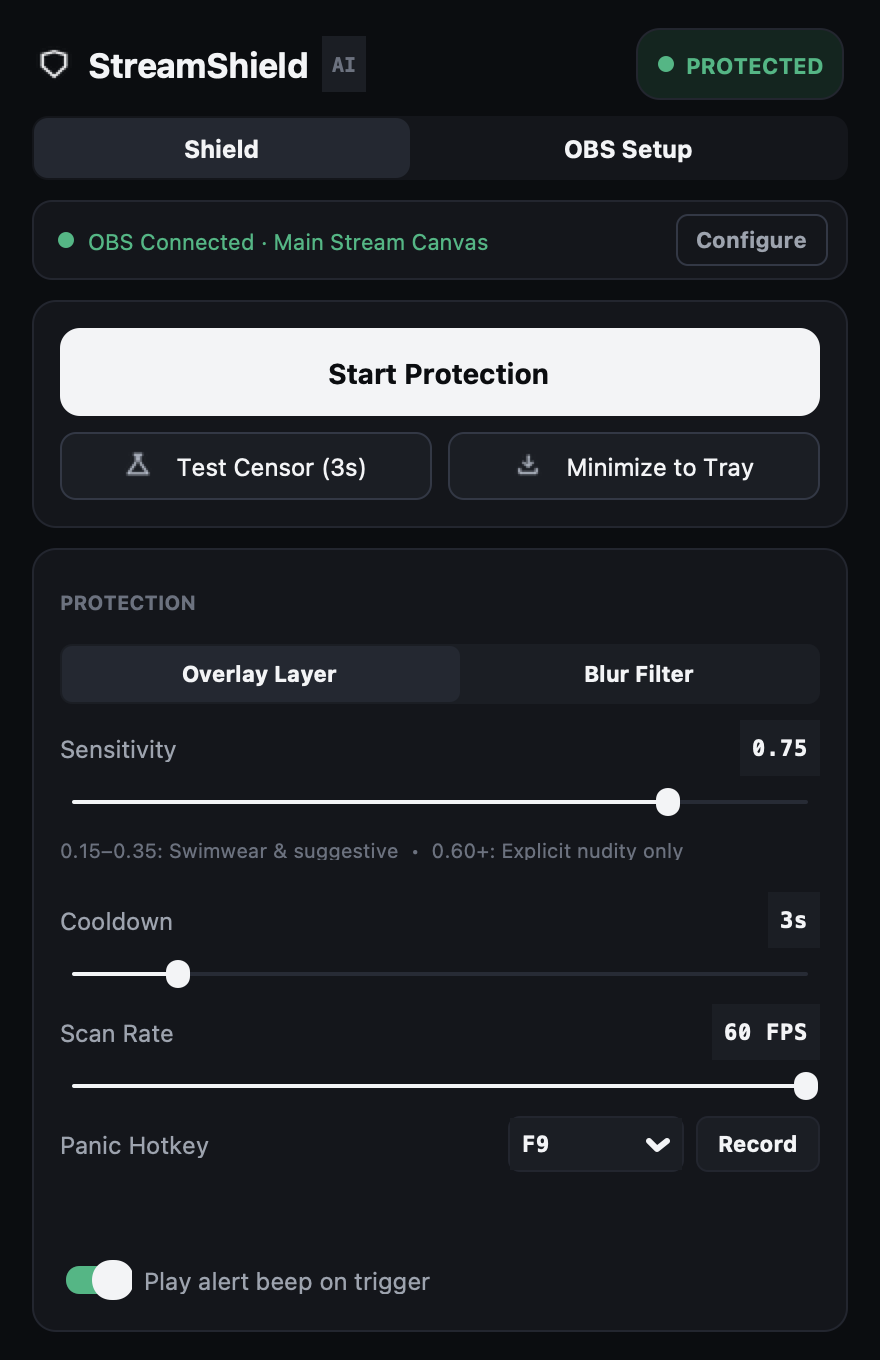
StreamShield AI Windows client showing Protected status, 60 FPS scan rate, and sensitivity controls

Inside the desktop app.

A lightweight native Windows utility designed to disappear into the background once connected to OBS Studio.

Live Shield Control

Shield Tab • DirectML 60 FPS VRAM Scan

PROTECTED
  • Real-time 60 FPS local scanning with 11.2ms DirectML GPU inference.
  • Adjustable sensitivity slider so you tune strictness to any game.
  • Recordable panic hotkey (F9 default) and background system tray minimize.
Inference RuntimeONNX DirectML
Memory Footprint~185 MB RAM
Target HostOBS 28 – 31 x64

How it impacts your stream.

Built so you can go live longer, accept viewer media shares safely, and alt-tab without anxiety — all locally in GPU VRAM with zero cloud uploads.

0s delay

Live Chat Sync

Stop running 15-to-30 second broadcast buffers. Keep stream chat real-time while local GPU guards every frame.

Source-only

Facecam & Audio Safe

Toggles a blur filter strictly on your chosen OBS Game or Display source. Webcam, alerts, and mic stay crystal clear.

11.2 ms

Faster Than Hotkeys

Manual panic keys lag ~250ms+ mid-clutch. DirectML catches 1-frame media-share trolls and DM popups automatically.

0% hooks

Zero FPS or AC Risk

Uses under 1.2% GPU over localhost:4455 OBS WebSocket IPC with zero game DLL injection alongside Vanguard or EAC.

Without StreamShield

  • Forced 15s–30s stream delay kills live chat interaction
  • One viewer troll clip or DM leak risks an instant TOS ban
  • BRB panic screens cut away your webcam & momentum

With StreamShield AI

  • Zero stream delay — real-time gameplay and viewer chat
  • Auto-blurs only the gameplay capture in 11.2ms on GPU VRAM
  • Streamer webcam, mic audio, and overlays keep streaming smoothly

Protect your stream permanently.

Pay once. Own the license for life. No monthly fees.

StreamShield AI License

24/100 claimed
$4.99Regular price $19.00USD · one-time

1 Windows PC · Instant key & .exe delivery

  • 11.2ms auto-blur on unsafe frames
  • Facecam, audio & chat stay clear
  • OBS Studio 28–31+ ready (port 4455)
  • 100% local & offline (0 uploads)
  • 1 Windows PC · free upgrade resets
  • Lifetime updates, zero subscriptions

PayPal or Card · Instant key after checkout

Windows 10/11 (64-bit) · Requires OBS Studio 28+

Setup GuideChangelogAll sales final

StreamShield AI CheckoutLaunch SpecialSandbox

Instant 1-Device Lifetime License Key

Item:StreamShield AI (Windows 10/11)
Regular Price:$19.00 USD
First 100 Users Discount:-$14.01 USD
Total to Pay:$4.99 USD
One-time payment · Instant key delivery
Connecting to PayPal Secure Gateway…

By completing your purchase, you agree to our Privacy Policy and acknowledge all digital sales are final (No Refunds).

Encrypted CheckoutPayPal Buyer Protection

Frequently asked questions

Does StreamShield AI upload my stream frames or desktop to any server?
Never. Zero bytes leave your machine. StreamShield AI evaluates captured frames entirely inside your local GPU VRAM via DirectML and talks only to your own OBS Studio instance over localhost:4455.
Does blurring gameplay hide my facecam, overlays, or live chat?
No. StreamShield targets the exact OBS Game or Display Capture source you choose. Your webcam PiP, alert boxes, mic audio, and stream chat remain 100% clear and uninterrupted.
Will this drop my game FPS or trigger anti-cheat software?
No. Local DirectML scanning runs in ~11.2ms with under 1.2% GPU impact and zero game process or DLL injection, keeping it completely clean with Riot Vanguard, Easy Anti-Cheat, and BattlEye.
What happens if I upgrade my PC or swap my GPU?
Your license key locks to 1 active machine to prevent sharing. Whenever you upgrade components or buy a new PC, email support@streamshield.ai with your order ID or key for an instant free reset.
Why does Windows SmartScreen warn on a new installer?
Because StreamShield AI is independent creator software without a $800/yr enterprise EV certificate, Windows prompts 'Windows protected your PC' until download reputation accumulates. Click 'More info' → 'Run anyway'.